
Access all mbaji features anytime, anywhere. Live Casino, Sports Betting, Bingo — all in one app.
Why the app beats the browser — at a glance
Since the app is installed directly on your device, it loads much faster than a browser and performs well even on limited data.
New bonuses, live match kick-offs, withdrawal approvals — get notified the moment it happens. Never miss a thing.
Fingerprint and face lock supported. Every transaction is encrypted. Your account stays secure at all times.
An interface designed specifically for mobile. Large buttons, simple navigation, and a layout you can use with one hand.
Mbaji app users occasionally receive exclusive bonuses and free bets available only through the app.
New features and security updates install automatically — no action needed on your end. You're always on the latest version.

Even though mbaji isn't on the Google Play Store, installing the Android app is completely straightforward.
Go to Settings > Security or Privacy on your phone and enable "Unknown Sources" or "Install unknown apps".
Download the latest APK file from the official mbaji site. The file is small (around 30 MB), so it downloads quickly even on mobile data.
Once the download is complete, open the APK file from your file manager and tap "Install."
Once installation is complete, open the app and log in with your mbaji account, or sign up for a new one.
Only download the APK from mbaji's official website. Downloading from third-party sites may pose security risks.
IPhone and iPad users can enjoy the mbaji app just as easily.
Visit mbaji.xyz on Safari from your iPhone or iPad. Chrome and other browsers work too.
Tap the link in the iOS section of the page. It will take you to the App Store page or start the download directly.
Go to Settings > General > VPN & Device Management and tap "Trust" on the mbaji profile. This is a standard iOS process.
You'll see the mbaji app icon on your home screen. Tap it and log in with your account.
Prefer not to install an app? Open mbaji.xyz in Safari and tap "Add to Home Screen." It works just like the app and takes up no storage space.

What your phone needs to run the mbaji app
| Android Requirements | |
|---|---|
| Operating System | Android 6.0 or above |
| RAM | Minimum 2 GB (3 GB+ recommended) |
| Storage | Minimum 50 MB free space |
| Internet | 3G/4G/5G or Wi-Fi |
| Processor | Quad-core 1.4 GHz or above |
| Screen Resolution | 720×1280 or higher |
| iOS Requirements | |
|---|---|
| Operating System | IOS 13.0 or above |
| Device | IPhone 8 or later |
| Storage | Minimum 60 MB free space |
| Internet | 4G/5G or Wi-Fi (recommended) |
| RAM | Minimum 2 GB |
| IPad Support | IPadOS 13.0 or above |
A stable internet connection is essential for Live Casino and live Sports Betting. Wi-Fi or 4G gives you the best experience, though regular casino games and slots run well on 3G too.
See the difference between both options in one table
| Feature | Mbaji App | Mobile Browser |
|---|---|---|
| Loading Speed | Fast | Comparatively Slower |
| Push Notifications | Yes | Not Available |
| Fingerprint Login | Supported | Not Available |
| Offline Access | Partial Support | Not Available |
| App-Exclusive Bonuses | Available | Not Available |
| Data Usage | Low Data Usage | More Data |
| UI Experience | Mobile-Optimized | Standard |
| Installation Required | Yes | No |
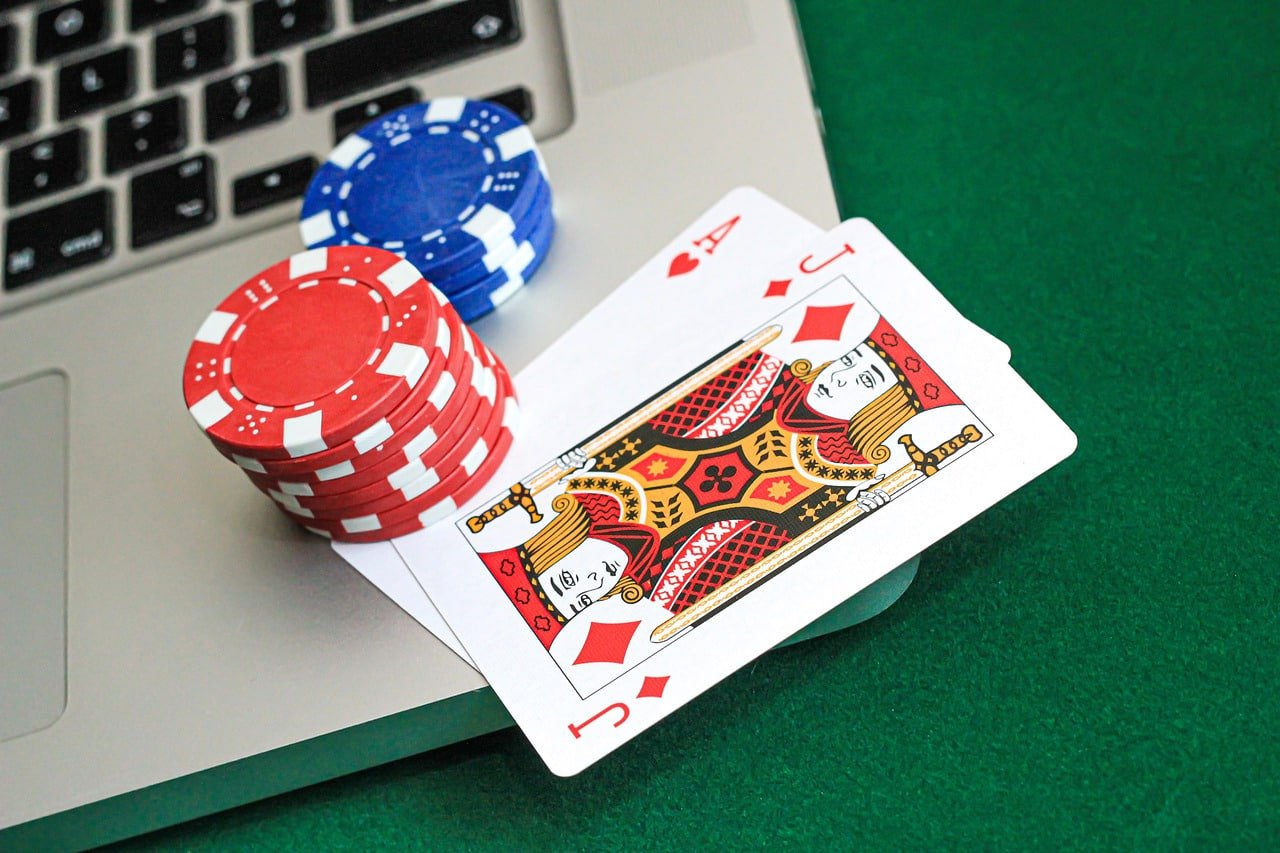
Once you download the mbaji app, a whole world of entertainment opens up. It's not just a betting app — it's a full gaming platform with hundreds of options across every category.
In the Live Casino section, you can play Baccarat, Blackjack, Roulette, and Dragon Tiger with professional dealers in real time. The app's adaptive streaming technology keeps the video smooth even on mobile data.
In the Sports section, you can bet on cricket, football, badminton, kabaddi, and more. Live in-play betting is available — meaning you can watch the odds and adjust your bets while the match is in progress.
Bingo is one of mbaji's standout sections. Fast rounds, simple rules, and big win potential make it a favourite among app users. Keep notifications on to get an alert before each new Bingo round starts.
The app also includes a full Slots section, Fishing Games, and Virtual Sports. All together, that's over 500 games in a single app — a standout number among online betting platforms in Bangladesh.
Payments are just as convenient on the app. You can easily deposit and withdraw via Mobile Banking, Nagad, and Rocket. Check your balance and view your transaction history right inside the app.
Mbaji VIP members get a dedicated dashboard inside the app — exclusive offers, fast-track withdrawals, and a personal account manager, all in one place.
Frequently Asked Questions About the mbaji App
Android or iOS — install on any device and play from anywhere. Register now and get a special bonus on your first deposit.